

Our activities have been carefully designed to help young people develop their access skills using assistive technology such as switches, touch devices, pointing devices and eye gaze systems. You can choose to use them directly in your web browser or download and save them to your class computer.
A selection of our activities is available to free registered users. SENict and PD Supporters have access to the complete collection of online and downloadable activities, including the option to download activities in bulk.
Supporter registrations never expire, and your contribution helps keep the activities online and available to everyone who needs them. Click Register at the top of the page to find out more.
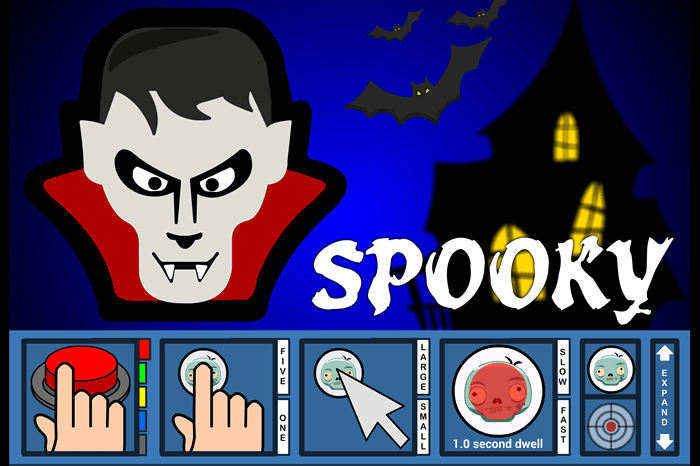
Free online Halloween activity
Play Spooky, our online Halloween cause and effect activity for switch, touch screen, pointing device and eye gaze users.
Spooky runs directly in your web browser and works on PC, Mac, Chromebook and tablet devices.
Spooky is free for all SENict website users until 1st November 2026. SENict and PD Supporters have access to our complete collection of over 600 activities.
You'll find more information and free switch caps for Spooky HERE.


Free Registration users can access a selection of our online and downloadable activities.
SENict Supporters can access the complete collection of online and downloadable activities, including the SENict Software collection above. These are larger, full-featured applications designed to provide a more comprehensive range of activities and learning opportunities. Supporters also have access to additional support materials and helpful videos. A one-off donation of just £5 provides access for as long as the SENict website remains online.
PD Supporters can access the complete collection of online and downloadable activities, plus over 60 hours of recorded training, structured online courses and a library of teaching, assessment and support materials.
Not a Supporter? Find out more about becoming a Supporter →